

Build Server-Side Endpoint
This endpoint handles a request to send an OTP to a specific phone number using your own SMS provider integration. Implement this endpoint according to the specifications:Handle Requests
Headers You might notice two values in request headers from the OwnID platform:ownid-signatureownid-timestamp
phoneNumber- delivery phone number of the user.messageText- SMS message text according to what is defined in the SMS templates. Includes the .code- the verification code included in the SMS message.
payload example
Implement Responses
Implement this response for your endpoint:Console Configuration
To get started, go to the OwnID console and login to your account.- From the Apps page, click the app you want to configure for SMS verification.
- Click the User journey link from the navigation panel.

- In Login identifier, select Phone number. Click Customize list of countries if you need to control which phone number country codes users can select.
- In the OTP configuration panel, select SMS under Delivery Channel.
- Click the Custom provider bar.
- When the configuration form opens, enter the Endpoint URL. OwnID will use it to make requests to your web server.
- Use the shared secret to verify the signature of OwnID requests.
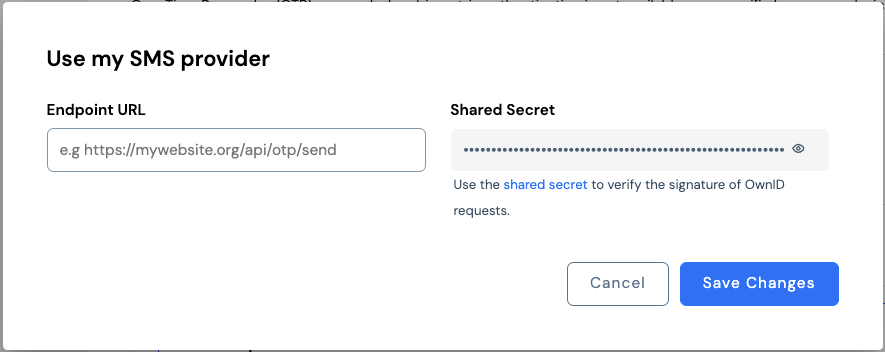
- Click Save Changes.